Shopping list
Your shared shopping list
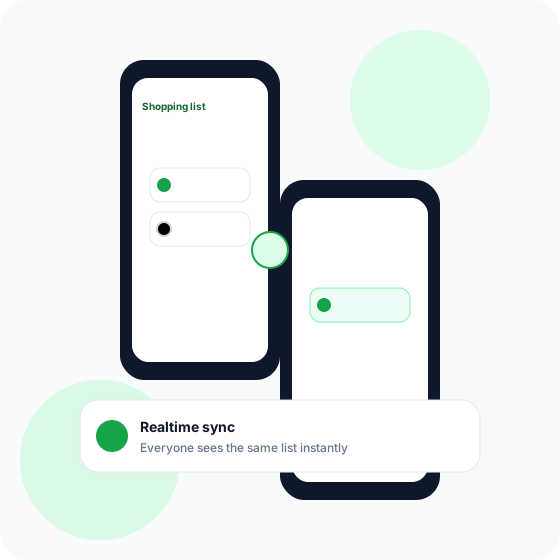
All items from the household lists appear on Shopping list. Add milk from the sofa, check things off in the aisle, and see what someone else already picked up. Updates happen instantly — no manual sync.
Grocery assistant for food & everyday life
HeyKenny brings together Shopping list, weekly menus, recipes, and receipts. Everyone in the household sees the same list — at home, in the store, and on the way there.
Registration is invite-only. Ask someone who already uses HeyKenny to invite you.
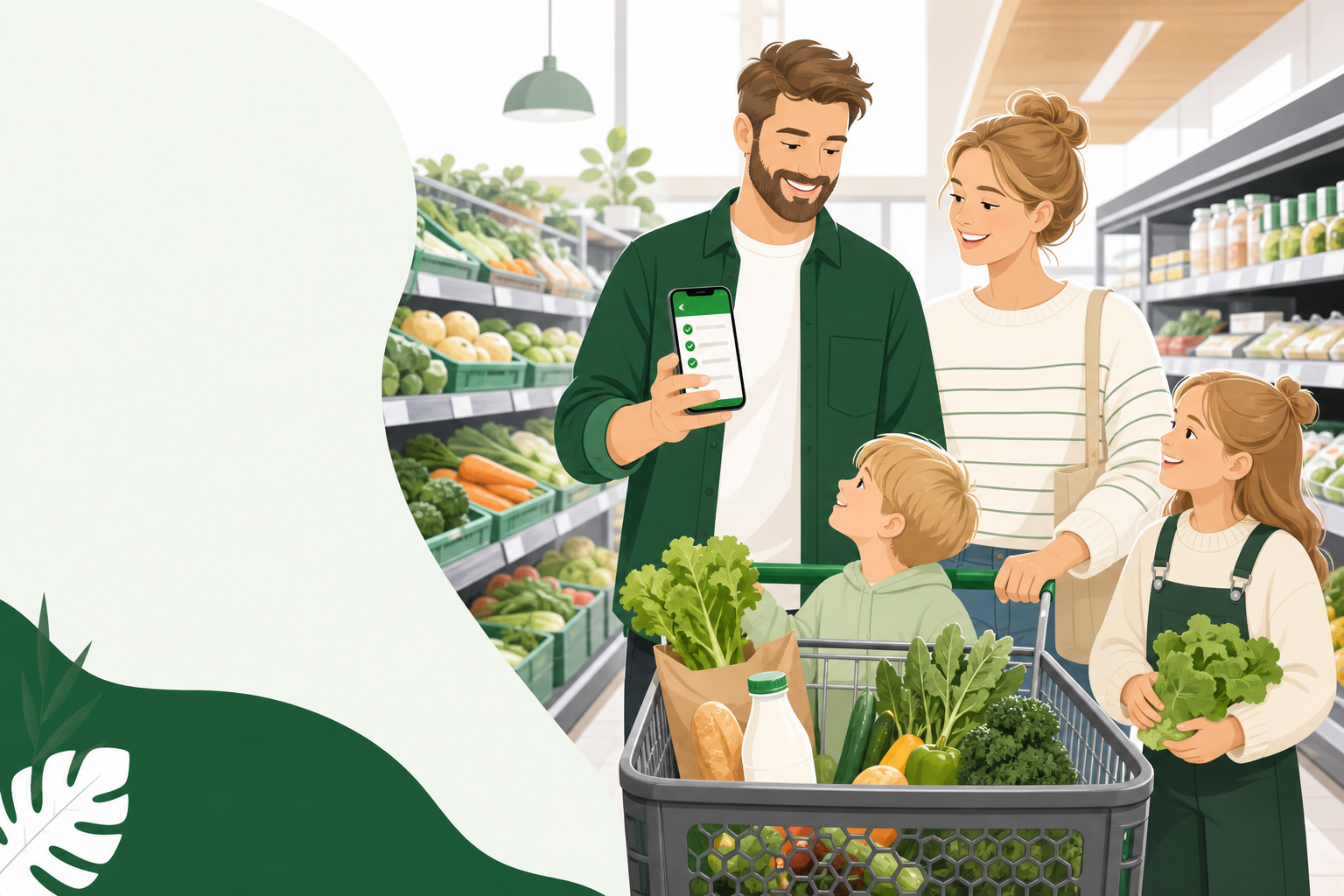
Skip the “did you buy milk?” texts and duplicate purchases. HeyKenny is built for everyday life — a simple app where the whole household can add items, plan the week, and keep receipts without spreadsheets or fridge notes.
From weekly planning to receipts in your pocket — in one app that feels at home.
Shopping list
All items from the household lists appear on Shopping list. Add milk from the sofa, check things off in the aisle, and see what someone else already picked up. Updates happen instantly — no manual sync.
Household
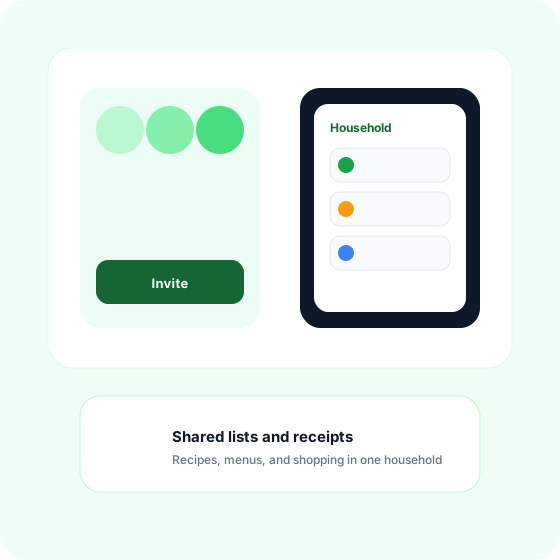
Create a household and invite your partner, family, or roommates. Lists, recipes, menus, and receipts are shared automatically. Ideal when several people shop, cook, and plan the week.
Recipes & menus
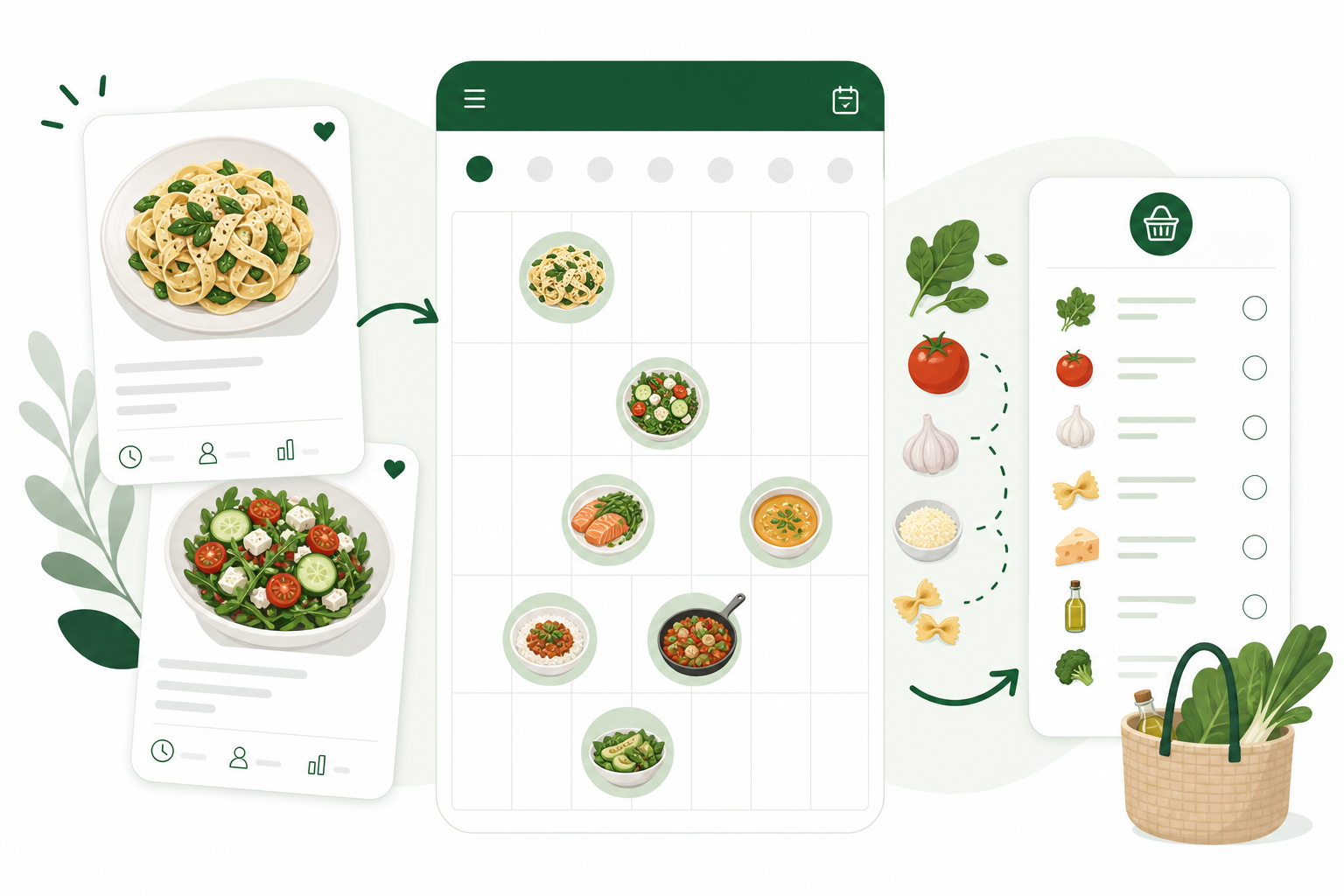
Save favourite recipes, build weekly menus, and fill the shopping list with the right amounts for your household size. AI suggestions can help when inspiration runs low — you review before anything is added.
Receipts
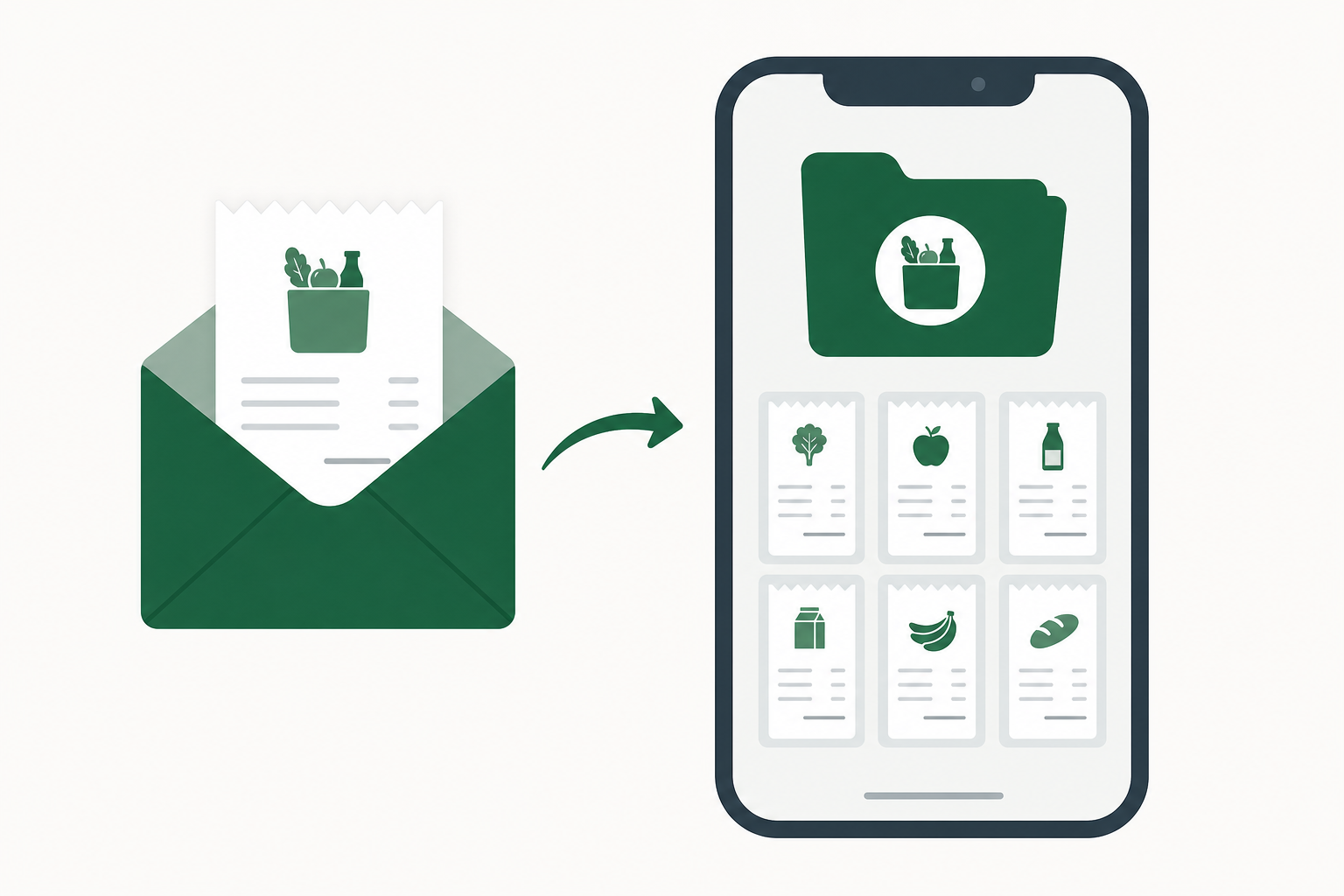
Each user gets a personal email address for receipts. Forward the store receipt and it is saved in the app — handy for warranties, expense tracking, and future price comparisons.
HeyKenny is invite-only — here is what it looks like once you are in.
Ask someone who uses HeyKenny to send you an invite by email, or accept a household invitation.
Open the link, choose a display name, and you are in. Verify your email when you have a moment.
Add items on Shopping list, invite more people to the household, and let the weekly menu fill the list for you.
The app is open to invited users. Ask a friend or family member to send an invite from Settings — or sign in if you already have an account.
Go to the app